
Why We Built Our Own Cloud Native Buildpacks on Ubuntu 26.04
 Niklas KarolyFounder Nodion
In short
- Nodion builds Git apps with its own Cloud Native Buildpacks on the nodion-26 stack, based on Ubuntu 26.04 LTS; they are not Paketo, Heroku or Google buildpacks.
- Twelve buildpacks written in Go cover Node.js, static sites, Ruby, Python, PHP, Go, Rust, Elixir, Java and .NET, plus Procfiles and extra Debian packages.
- Nodion keeps a language line while it is not end-of-life and for up to three months after, and a requested minor version gets its latest published patch.
- Detection tries 14 groups in order and handles polyglot apps such as Laravel with Vite or Rails with JS; details are in the buildpacks docs.
Nodion builds Git apps with its own Cloud Native Buildpacks. We follow the Cloud Native Buildpacks spec for detect, build and launch, but the stack, the language buildpacks and the runtime versions are ours. The stack is called nodion-26 and is based on Ubuntu 26.04 LTS. These are not Paketo, Heroku or Google buildpacks. Here is why we built them and what that means for your builds.
Buildpacks in 30 seconds
A buildpack turns source code into a container image without a Dockerfile. It detects the language, installs a runtime and the dependencies, builds the app and sets a start command. Cloud Native Buildpacks are the open standard for this. A builder bundles the buildpacks, the lifecycle that runs them and the base images for build and run. New to the topic? Start with Cloud Native Buildpacks explained.
Why not reuse an existing builder?
Paketo, Heroku and Google all publish Cloud Native Buildpacks, and they are solid projects. Taking one of them would have been the shortcut.
We decided against it because for a platform, the builder is not a detail. It decides which operating system your app runs on, which runtime versions exist, how a version is picked and what happens when a version reaches end of life. Those are product decisions that our users feel on every deploy. We wanted them in our own hands, written down in one place and identical across languages.
What we built
One stack on Ubuntu 26.04 LTS
The nodion-26 stack has two images. The build image carries compilers and headers. The run image carries the client libraries apps commonly need, such as the Postgres and MySQL clients, ImageMagick and CA certificates. Your process runs as a non-root user.
We picked Ubuntu 26.04 because it is the newest LTS release. Canonical released it in April 2026 and lists standard security maintenance until May 2031, so the base under your app has a long runway before the next big move.
Twelve buildpacks, one codebase
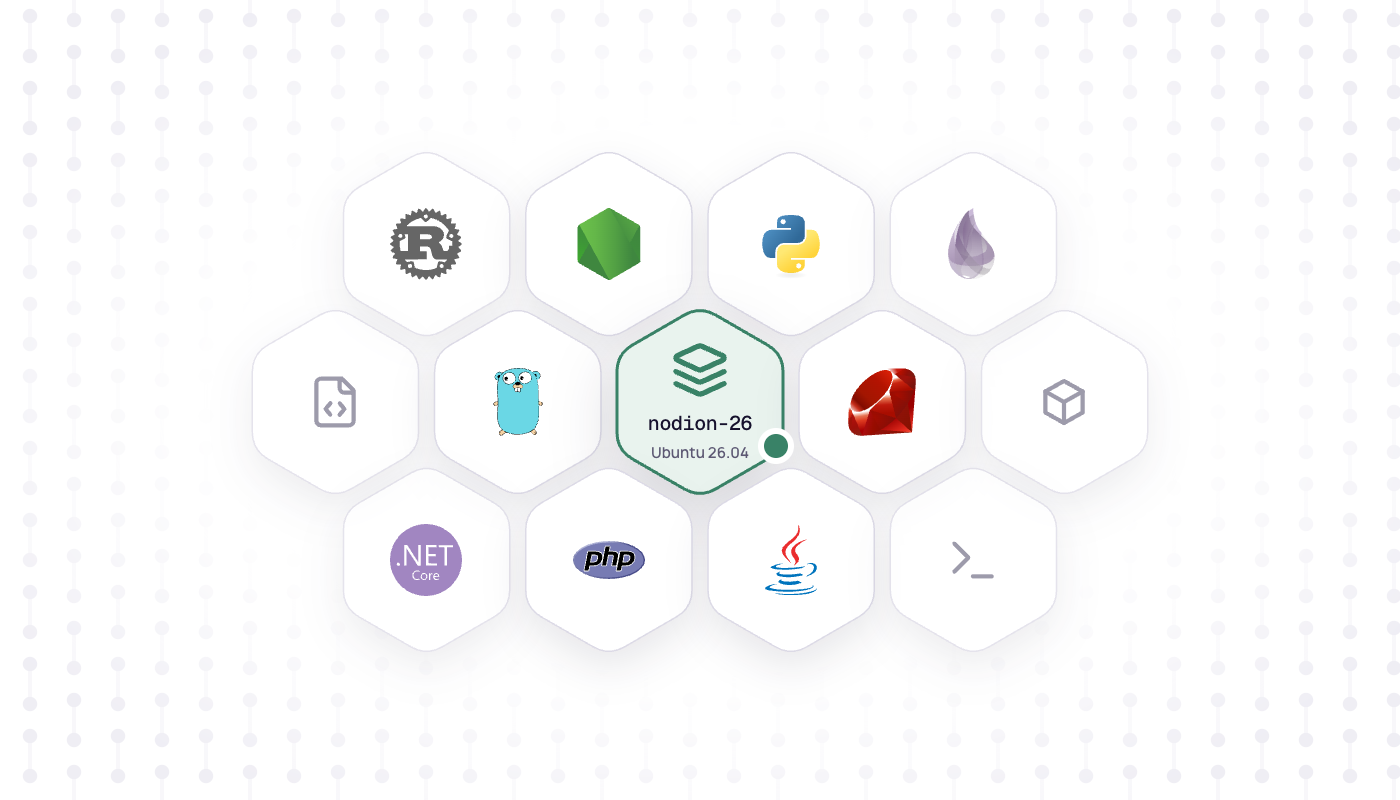
There are twelve buildpacks: Node.js, static sites, Ruby, Python, PHP, Go, Rust, Elixir, Java and .NET, plus one for Procfiles and one for extra Debian packages. All of them are written in Go against libcnb, the Go library of the Cloud Native Buildpacks project, and live in one module. They share a single library for version resolution, downloads and logging, so a version pin, an error message or a download check works the same way in every language.
Detection that knows polyglot apps
The builder tries 14 groups from top to bottom, and the first group whose required files are all present wins. The order matters for real projects:
- A static JavaScript frontend is built with Node.js and then served by the static buildpack.
composer.jsonpluspackage.jsongets PHP and Node.js in one build (Laravel with Vite, for example).Gemfilepluspackage.jsongets Ruby and Node.js (Rails with a JS pipeline).- Then single languages, a standalone Node.js server, a pure static site and finally a Procfile-only app.
Extra Debian packages are an optional part of every group, so any app can add them.
Our own runtime pipeline
Which runtimes exist is defined in one version matrix in our repository. An hourly job checks end-of-life dates and new releases, applies the support policy and opens a pull request that updates the matrix. Once that is merged, every missing runtime version is built and published, and apps pick it up on their next build.
Ruby, Python, PHP and Erlang are compiled from source on our build image. The other runtimes are repackaged from upstream binaries. When a build downloads a runtime, it checks the file against its published checksum before extracting it.
What you get
A version policy that fits in one paragraph
We keep a language line while it is not end-of-life, and for up to three months after. Request a minor version and you get the latest published patch of that minor. A version below the oldest published line fails as end-of-life, and a version newer than anything built yet fails as not available yet. Either way, the build stops with a clear message instead of quietly using a different version.
Go and Rust are the exception: the newest published toolchain builds the app, and older go.mod or rust-version values still compile.
| Language | Default | Published lines (September 2026) |
|---|---|---|
| Node.js | 24 | 22, 24, 25, 26 |
| Python | 3.13 | 3.10 to 3.14 |
| PHP | 8.3 | 8.2 to 8.5 |
| Ruby | 3.4 | 3.3, 3.4, 4.0 |
| Go | 1.26 | Newest toolchain (1.25 to 1.27) |
| Rust | 1.96 | Newest toolchain (1.95 to 1.98) |
| Java | 21 | 11, 17, 21, 25, 26 |
| .NET | 10 | 8, 9, 10 |
| Elixir | 1.20 | 1.15 to 1.20 (Erlang/OTP 26 to 29) |
Patches move as we publish them. Each language page explains how to pin a version, for example with .node-version or .python-version.
Escape hatches where you need them
- Procfile: define your own process types. Each type becomes its own process on the app, and language defaults apply only when there is no Procfile.
- Extra system packages: list Debian packages in
project.toml(or anAptfile). They are extracted into the image; maintainer scripts do not run. - Monorepos: point the base directory at the app folder.
[com.nodion.buildpacks.deb-packages]
install = ["ffmpeg", "pandoc"]
What we did not change
The spec. Detect, build and launch work as they do on any Cloud Native Buildpacks platform, and the result is a regular OCI image. Nodion uses its own builder by default, and you can choose another builder if you prefer. If your repository already has a Dockerfile, or is not a supported language tree, use that instead. Not sure which fits? See Dockerfile vs buildpacks.
To try it, connect a repository on Applications → New, pick Buildpacks and make sure your app listens on PORT. Everything else is in the buildpacks docs.
Frequently asked questions
Which buildpacks does Nodion use?
Nodion's own Cloud Native Buildpacks on the nodion-26 stack (Ubuntu 26.04 LTS). They follow the Cloud Native Buildpacks spec, but the language buildpacks, the stack and the runtime versions are Nodion's, not Paketo, Heroku or Google buildpacks.
Which languages do Nodion buildpacks support?
Node.js, Python, Ruby, PHP, Go, Rust, Elixir, Java, .NET and static sites, plus Procfile-only apps. Extra Debian packages can be added with project.toml or an Aptfile.
How long does Nodion support a language version?
A language line stays available while it is not end-of-life and for up to three months after. Go and Rust always build with the newest published toolchain, which also compiles older code.
Can I use a Dockerfile instead of buildpacks on Nodion?
Yes. Use a Dockerfile when your repository already has one or is not a supported language tree, and Nodion builds and runs that image instead.