
Let Claude Code Deploy Your App with Nodion's MCP Server
 Niklas KarolyFounder Nodion
In short
- Nodion hosts a remote MCP server at mcp.nodion.net/mcp, so Claude Code needs no local daemon.
- One command and a personal key from Account → Security connect Claude Code to your Nodion account.
- Your agent can create projects, deploy a repository or a one-click app, attach databases, set environment variables and read logs; Claude Code asks before it runs a tool unless you allowed it permanently.
- Cursor, Claude Desktop, ChatGPT and Codex work too; see Connect Nodion to your agent.
Coding agents like Claude Code already write and test your code. With Nodion's MCP server they can ship it too: create a project, deploy the app, attach a database and check the logs, while Claude Code's permission prompts keep you in control.
What you need
- Claude Code v1.2 or newer
- A Nodion account, or let the agent sign you up (see below)
- A personal key from Account → Security in the dashboard
No account yet?
Let Claude Code sign you up first: tell it to follow nodion.com/auth.md or to run nodion login in its shell. You approve the sign-up in your browser, then continue with step 1.
Step 1: Create a personal key
In the Nodion dashboard, open Account → Security and create a personal key. Give it only the scopes it needs, restrict it to a project if you like, and set an expiry date. The key is shown once, so copy it right away.
Step 2: Add the Nodion server
claude mcp add nodion --transport http https://mcp.nodion.net/mcp \
  --header "Authorization: Bearer nodion_…"
Replace nodion_… with your key. Nodion hosts the MCP server, so there is nothing to install or keep running on your machine.
Step 3: Ask in plain language
Once connected, describe what you want. A few prompts that work well:
- "Create a Nodion project called shop and deploy this repository."
- "Deploy Twenty on Nodion in Frankfurt."
- "Attach a PostgreSQL database to the app and redeploy."
- "Show me the latest errors in the app's logs."
Claude Code asks for your permission before it runs a tool, unless you allowed that tool permanently, so keep an eye on its permission settings. Nodion also requires an explicit confirm flag on write tools for personal keys, but the agent sets that flag, so it is no substitute for your own review.
What the agent does behind the scenes
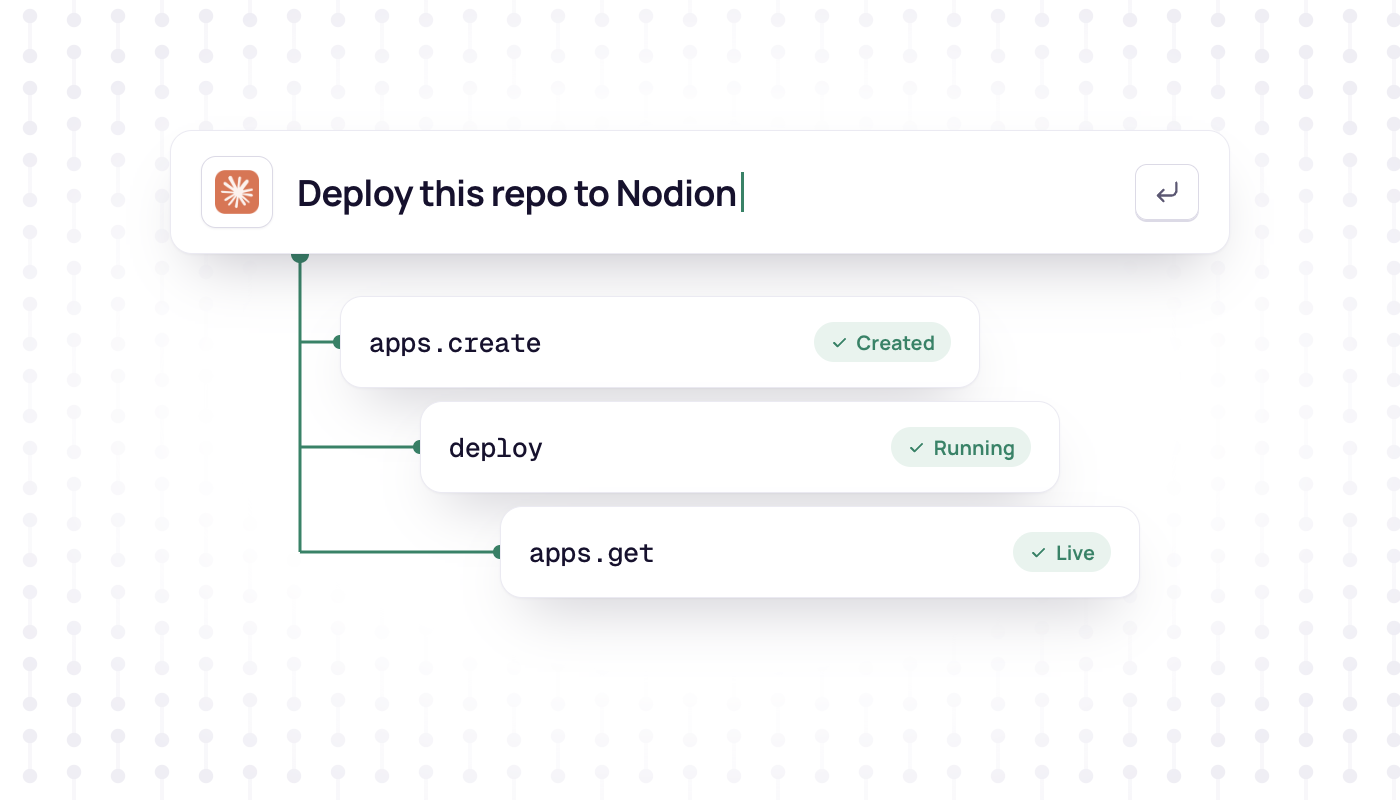
For a one-click app, the agent lists the catalog with presets.list, loads the app with presets.get and creates it with apps.create and a preset_key. The first release starts when the attached databases are ready, so the agent polls apps.get and then reports the URL.
For a folder that is not a Git repository, the agent creates an app with Nodion-managed Git, requests a push remote with apps.git_remote and pushes the code with GIT_ASKPASS. That way the password never ends up in a URL, the shell history or the chat. Then it starts the deploy.
Other agents
- Cursor: one-click install on the connect page, with a key from Account → Security.
- Claude Desktop: add a custom connector with the URL
https://mcp.nodion.net/mcpand sign in with OAuth. No key needed. - ChatGPT and Codex: sign in with OAuth as well.
- Windsurf, Zed, VS Code Copilot, OpenCode and custom agents: point them at
https://mcp.nodion.net/mcp. The MCP docs have config snippets.
Security tips
- Use a dedicated key for each agent and revoke it in Account → Security when you no longer need it.
- Never paste the key or
~/.config/nodion/config.ymlinto a chat. - Keep secrets in the dashboard. The agent does not need to see their values.
- Read Claude Code's permission prompt before you approve a tool call that changes something.
Want to try it with a real app? Deploy n8n or any app from the one-click catalog by asking your agent.
Frequently asked questions
What is MCP?
The Model Context Protocol is an open standard that lets AI agents use external tools and services. An MCP server describes the actions it offers, and the agent calls them on your behalf.
How do I connect Claude Code to Nodion?
Create a personal key under Account → Security, then run: claude mcp add nodion --transport http https://mcp.nodion.net/mcp --header "Authorization: Bearer nodion_…". This needs Claude Code v1.2 or newer.
Do I need a Nodion account first?
No. Ask your agent to follow nodion.com/auth.md or run nodion login, then approve the sign-up in your browser.
Is it safe to let an agent deploy?
Claude Code asks for permission before it runs a tool unless you allowed it permanently, so review its permission settings. Keep secrets in the dashboard, and never paste your API key or the CLI config file into the chat.