
How to Deploy n8n in One Click on Nodion
 Niklas KarolyFounder Nodion
In short
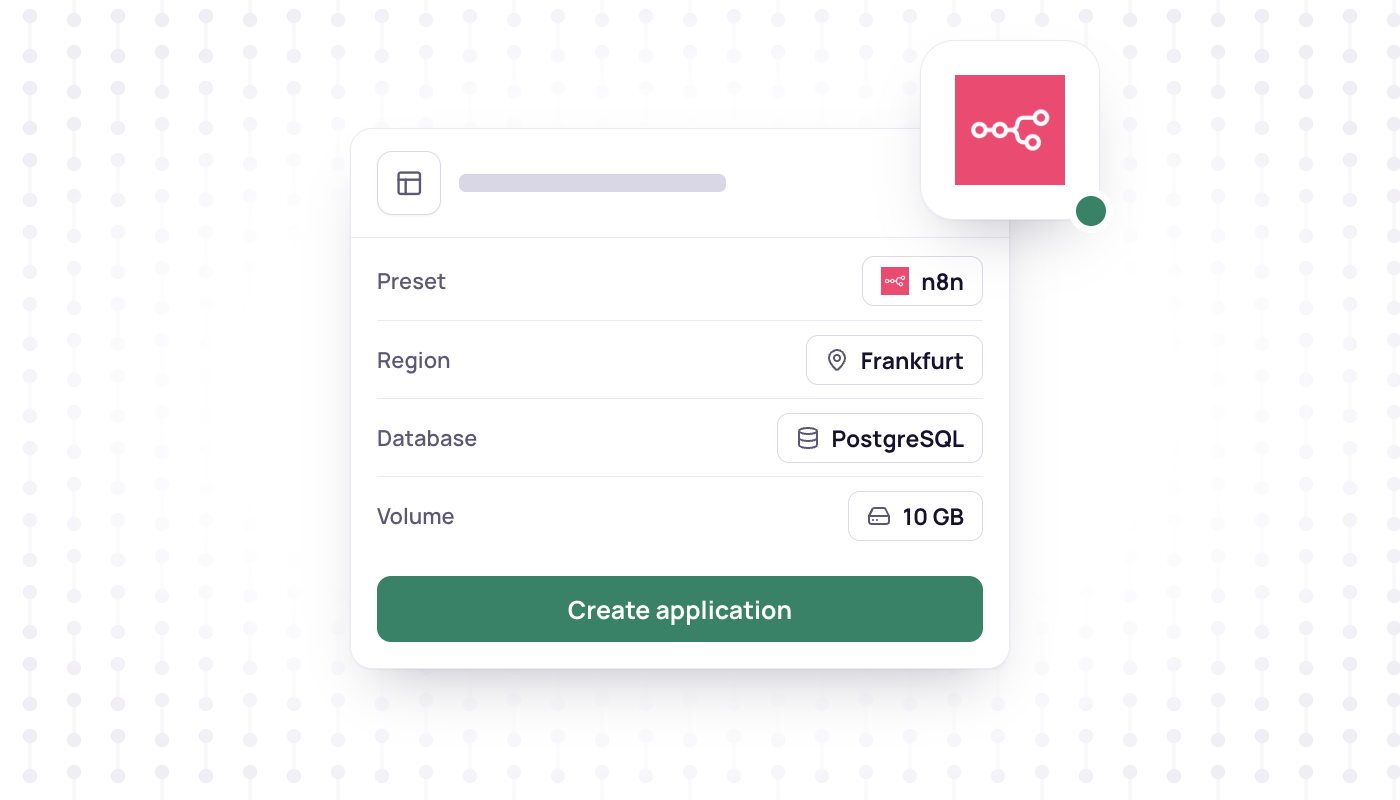
- The n8n preset creates the n8n app, a PostgreSQL database and a 10 GB volume for n8n's files, and generates the encryption key.
- You only pick a project, a region and a name; n8n needs at least 2 GB of memory.
- On first open, n8n asks you to create the owner account. There is no default password.
- Webhook URLs use your app's address from the start, so triggers from other services work right away.
n8n is a workflow automation tool with a visual editor and code steps. Running your own instance takes more than a container, though: n8n needs a database, persistent storage for its files, an encryption key and a public URL for webhooks. The n8n preset on Nodion sets all of that up in one go.
What you need
A Nodion account. If you do not have one yet, sign up first. Nothing else: no Docker, no server, no configuration files.
The preset gives you a working n8n with its database, volume, encryption key and public URL. It does not set up external task runners, so n8n runs them in internal mode. n8n calls that mode insecure by design and recommends external mode in production and on any instance that holds sensitive data. Use this setup to get started, and plan external runners before you put sensitive workflows on it.
Step 1: Open the n8n preset
Go to the n8n page in the catalog and click Deploy to Nodion. That opens the create form in the dashboard with the n8n preset selected. In the dashboard you get there via Applications → New, then Preset and n8n.
Step 2: Pick project, region and name
The form fills in everything n8n needs:
- the official
n8nio/n8nimage as thewebprocess on port 5678, - a PostgreSQL database
n8n-db, connected through theDB_POSTGRESDB_*variables, - a 10 GB volume
n8n-data, mounted at/home/node/.n8n, - a generated
N8N_ENCRYPTION_KEY, plusN8N_HOSTandWEBHOOK_URLset to the app's address.
You choose the project, the region and a name. n8n needs at least 2 GB of memory, so keep a plan of that size or larger.
Step 3: Create the app
Create the app. Nodion sets up the database and the volume first, and the first release starts as soon as the database is ready. You can follow it on the Deployments tab.
Step 4: Create the owner account
Open the app's URL. n8n asks you to create the owner account; there is no default password. Do this right after the first release: until the owner account exists, anyone who opens the URL sees the setup page.
Step 5: Test a webhook
Create a workflow that starts with a Webhook node. The production URL n8n shows already uses your app's address, because the preset sets WEBHOOK_URL. Activate the workflow, copy the Production URL from the Webhook node and call it, for example with curl (replace the placeholder with the URL you copied):
curl -X POST <production-url-from-the-webhook-node> \
  -H "Content-Type: application/json" \
  -d '{"hello": "world"}'
The execution shows up in n8n's executions list, and from there you can add the next steps.
Next steps
- Custom domain: add it on the app's Domains tab, then point
N8N_HOSTandWEBHOOK_URLon the Environment tab to it. - Backups: turn on backups for
n8n-dband keep a copy ofN8N_ENCRYPTION_KEY. Files on then8n-datavolume (/home/node/.n8n) are not part of database backups, so protect or export what you need from there separately.
Frequently asked questions
What does the n8n preset include?
The n8n web process, a PostgreSQL database for workflows and executions, a 10 GB volume mounted at /home/node/.n8n, the app URL wired into N8N_HOST and WEBHOOK_URL, and a generated N8N_ENCRYPTION_KEY.
Can I use my own domain for n8n?
Yes. Add it on the app's Domains tab, then make sure N8N_HOST and WEBHOOK_URL on the Environment tab point to that domain so n8n shows webhook URLs with it.
How do I back up n8n?
Turn on backups for the n8n-db database, since backups are opt-in. Workflows and credentials live in that database. Also keep a copy of N8N_ENCRYPTION_KEY, because without it saved credentials cannot be decrypted, and protect files on the n8n-data volume separately.